Count from a photo
Estimate the number of objects in an image, adjust the marked results and save a report.
Scan documents, extract text, edit and merge PDFs, and organize your files on iPhone.
For iPhone iOS 16 or later
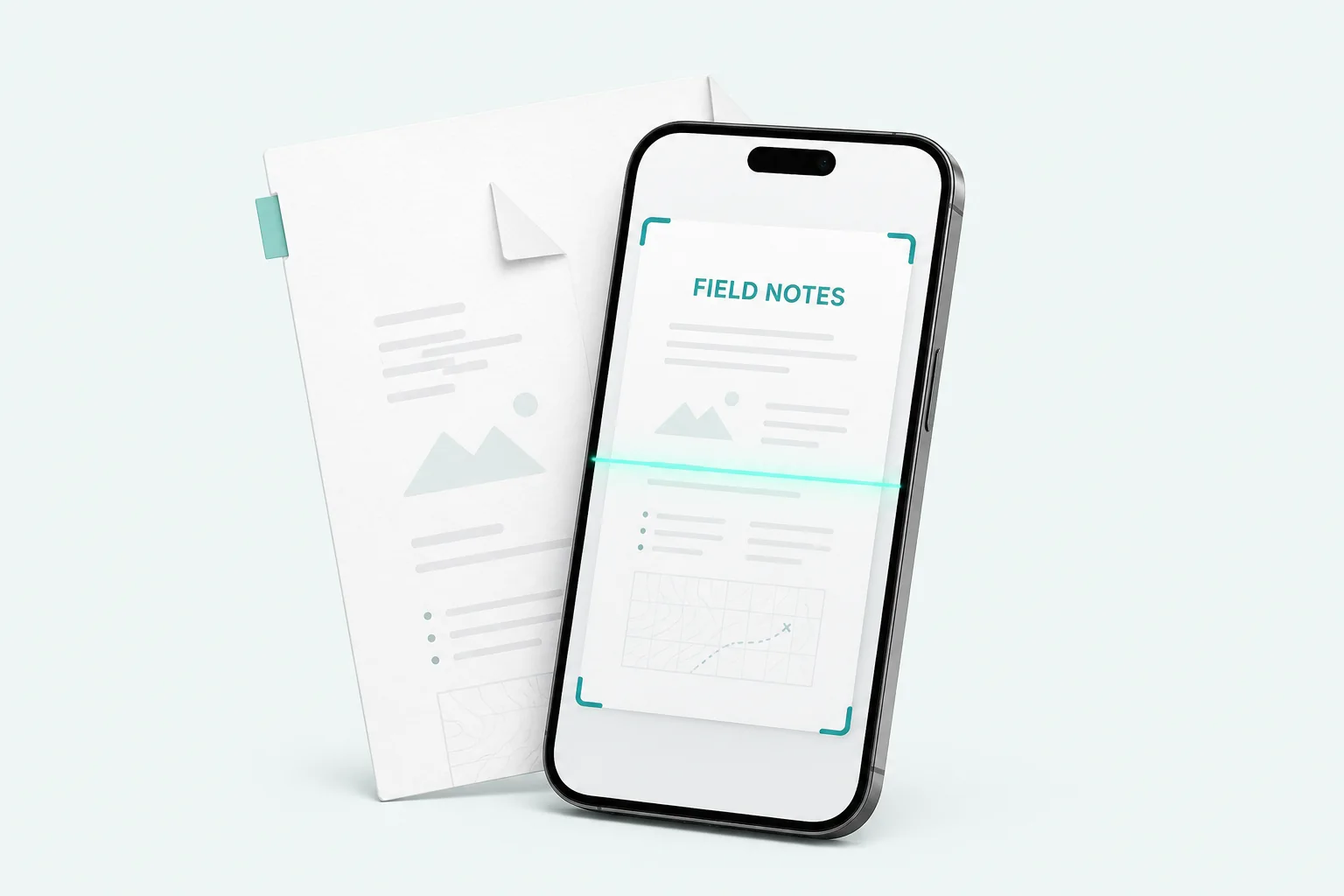
Choose a task. Make the most of every page.
01 / SCAN
Capture documents, ID cards, passports and book pages. Review edges, arrange pages and save PDFs.
Export PDF, JPG, long images, text, or OCR-based Word and Excel files.
Estimate the number of objects in an image, adjust the marked results and save a report.
Check extracted receipt fields and export an expense report grouped by currency.
Review business-card details before choosing whether to save a contact.
OCR, expense details and object counts can be wrong. Review each result before you rely on it.
Three steps to a document you can use.
Scan a page or import an image or PDF.
Review the text. Adjust pages. Add a visible signature or annotation.
Organize your files and choose where to export them.
Always review recognized text, receipt details and object counts. Word and Excel exports use recognized text, without rebuilding the original layout.